iOS · iPadOS · macOS
Alma DAW
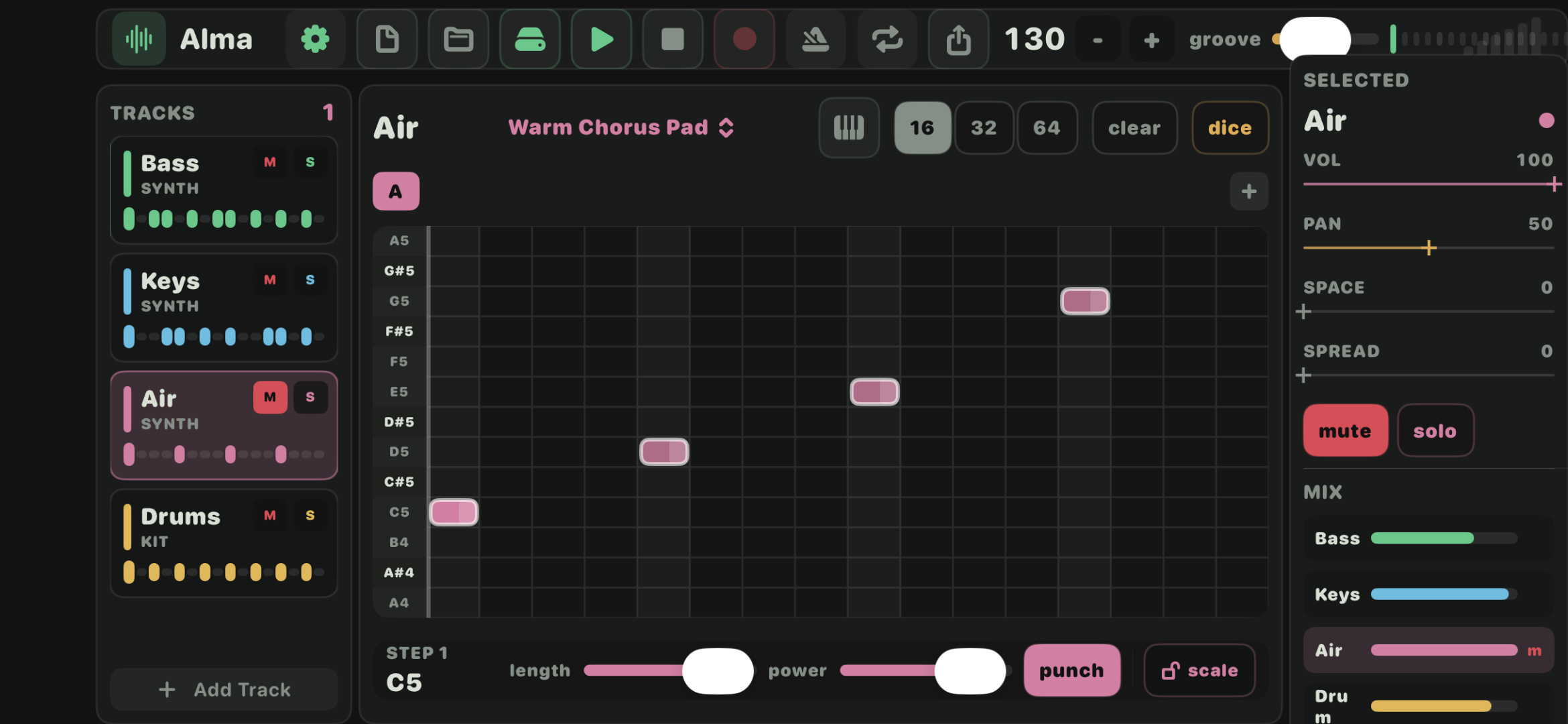
A small native music workstation that sits between a mini DAW and a groovebox. Choose a sound, tap notes into a 16-step grid, play a compact keyboard, hit drum pads, and shape the mix from one clean screen.
One screen, everything on hand
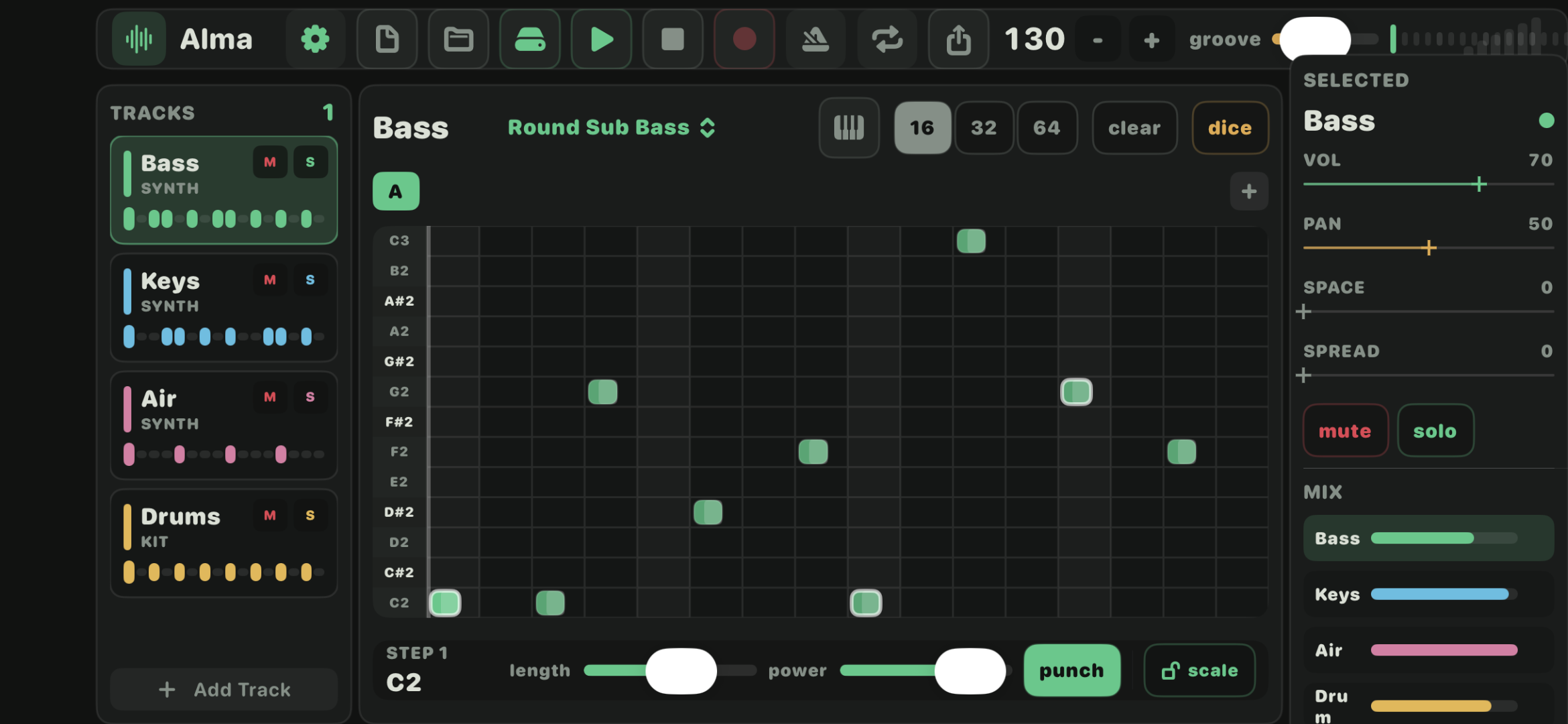
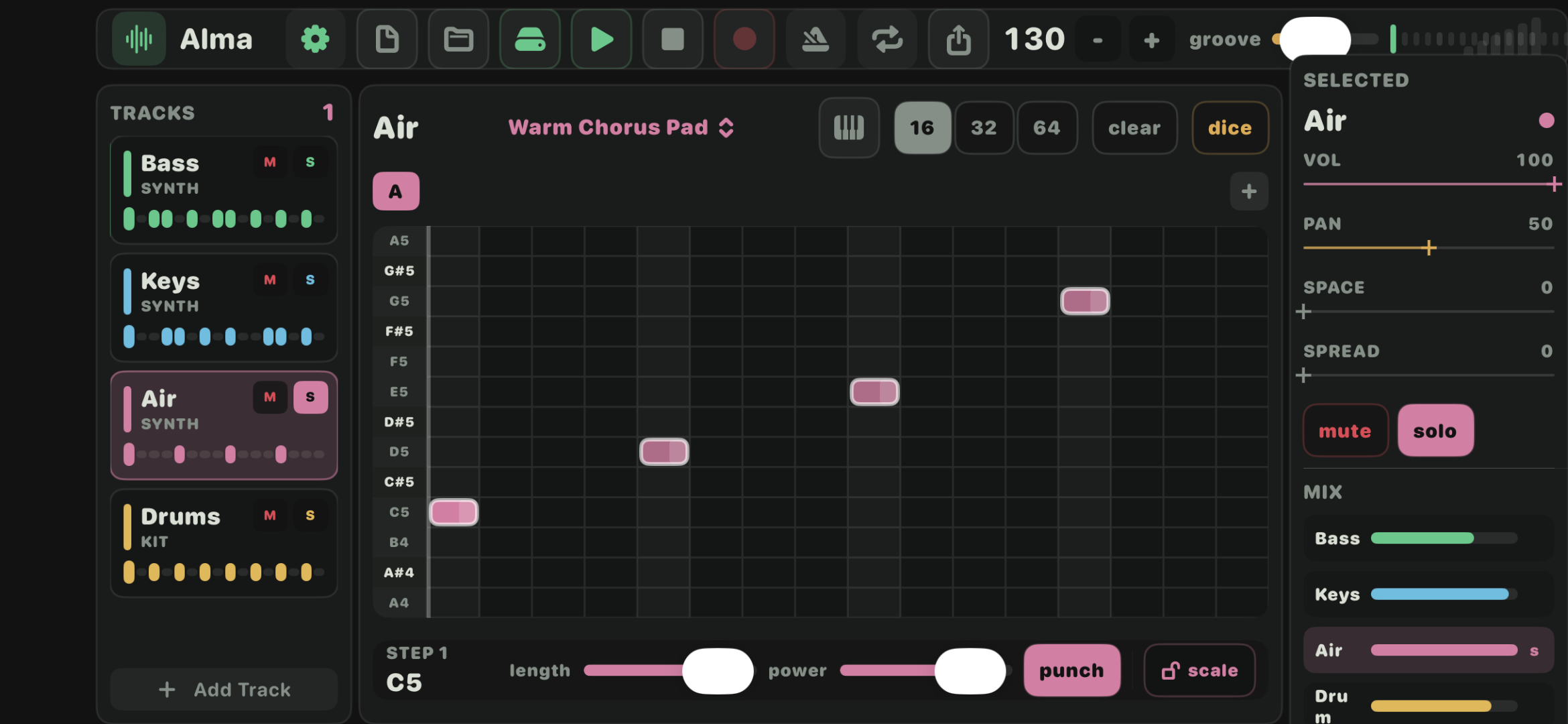
Up to 32 tracks, each one either an instrument, a sample or a drum kit. Editing is direct: tap a cell on the 16-step grid and a note appears; press again and it toggles between full gate and half gate. Everything else — transport, BPM, swing, mute, solo, per-step velocity and accent — sits one glance away.
Built for fast writing
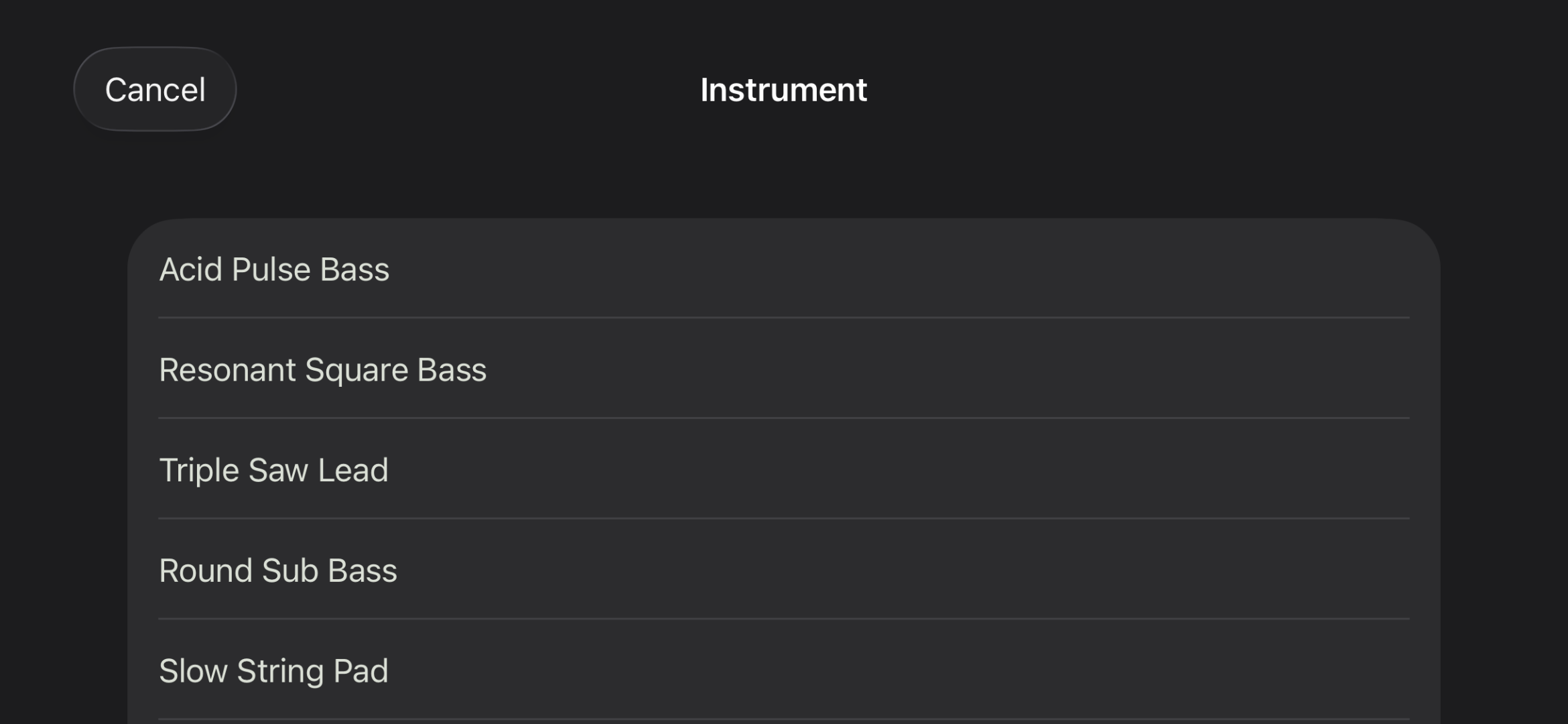
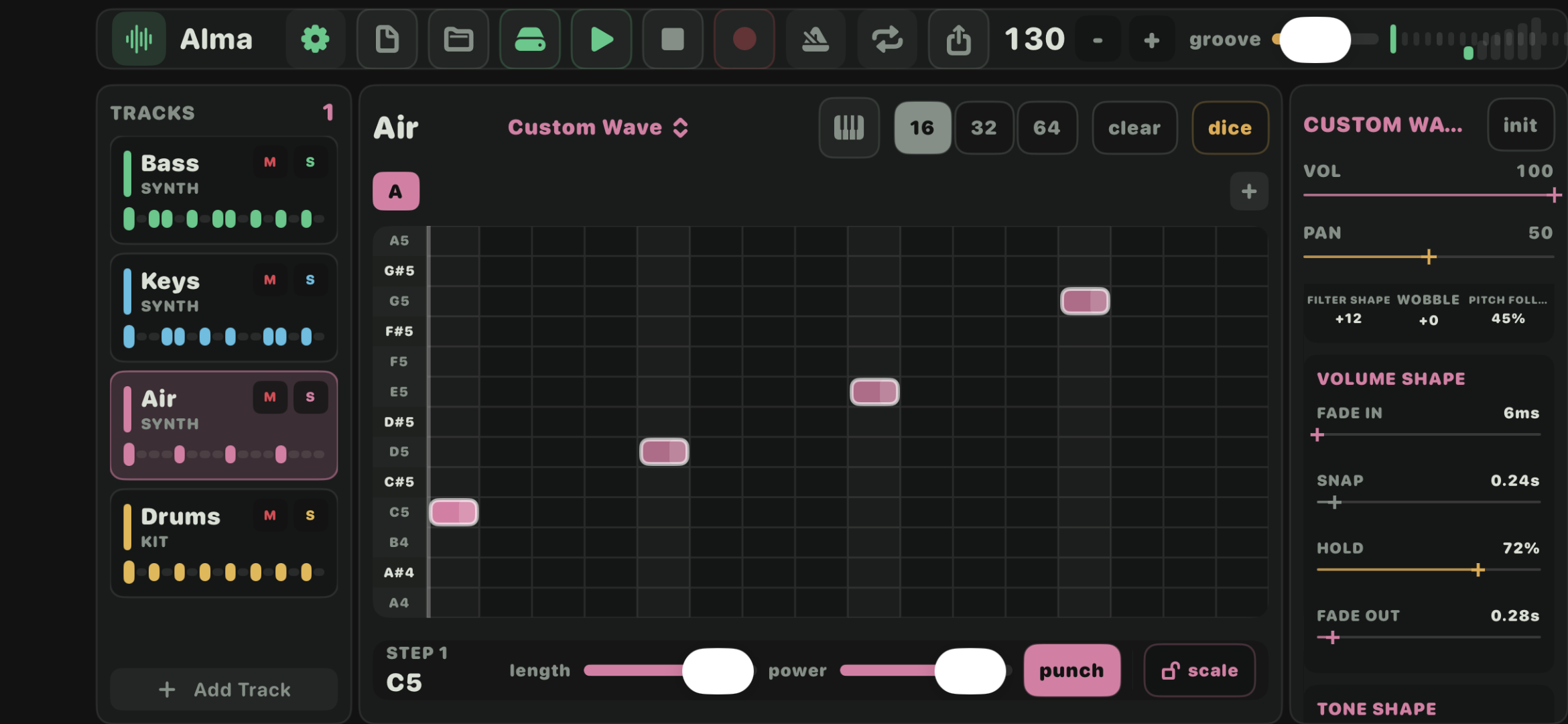
- Instrument tracks with factory patches and a full Custom Wave sound designer.
- Sample tracks that turn any audio into a pitched, playable instrument.
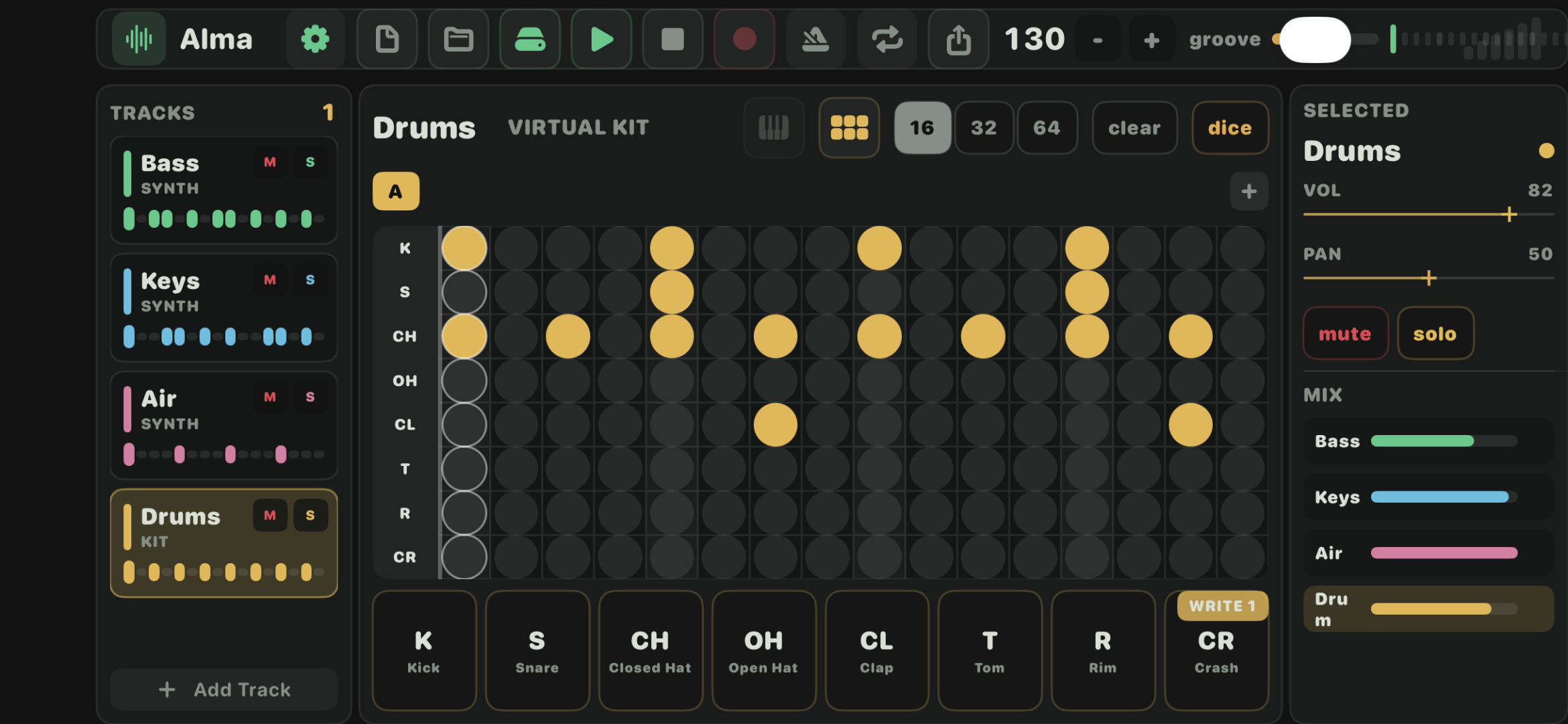
- Drum tracks with an 8-pad synthesized kit and a lane-based drum grid.
- Live & record modes for the keyboard and pads.
- Shared source — the same tree targets phone, tablet and desktop.
In the app
The main pattern screen keeps everything visible at once — tracks, steps, transport and mix. Sibling screens open a drum kit, an instrument library or the Custom Wave sound designer.
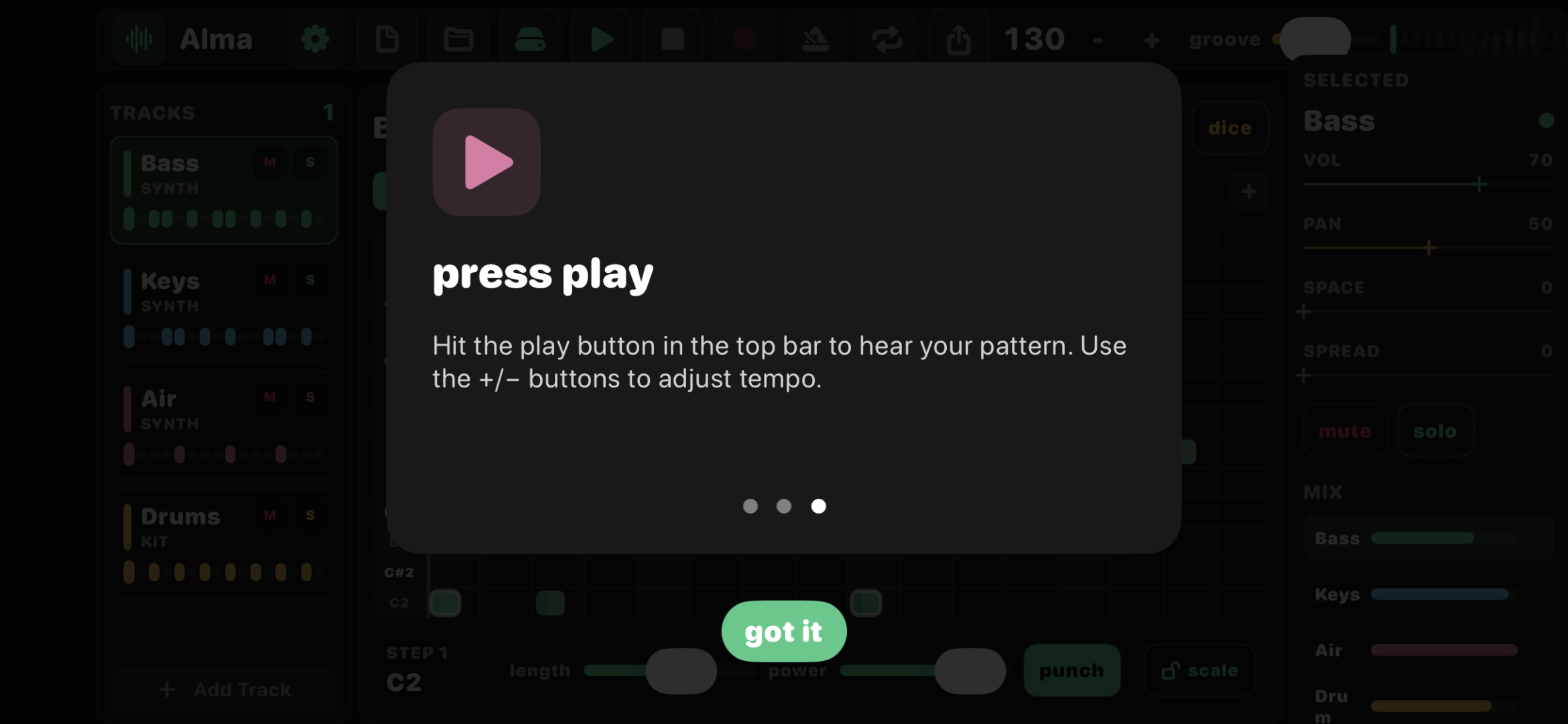
Onboarding
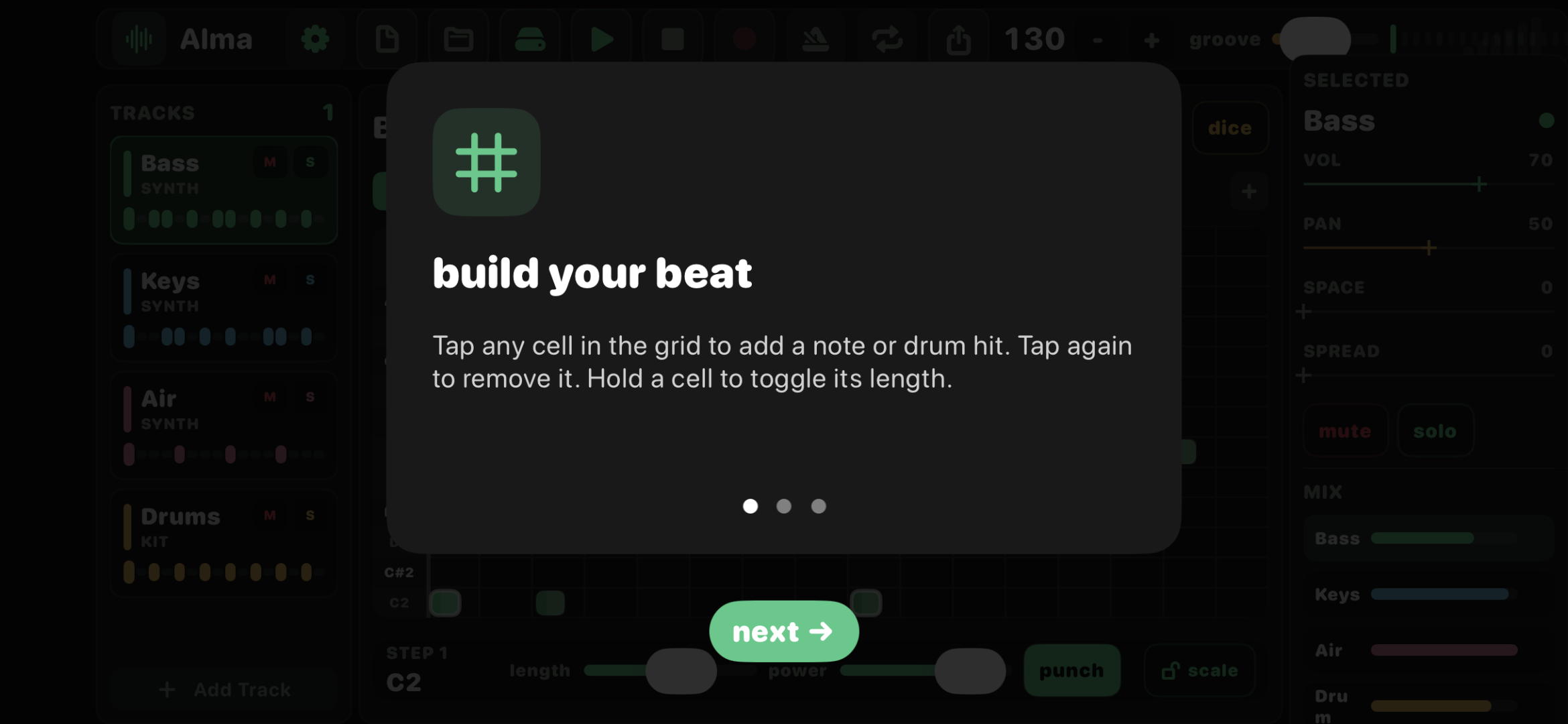
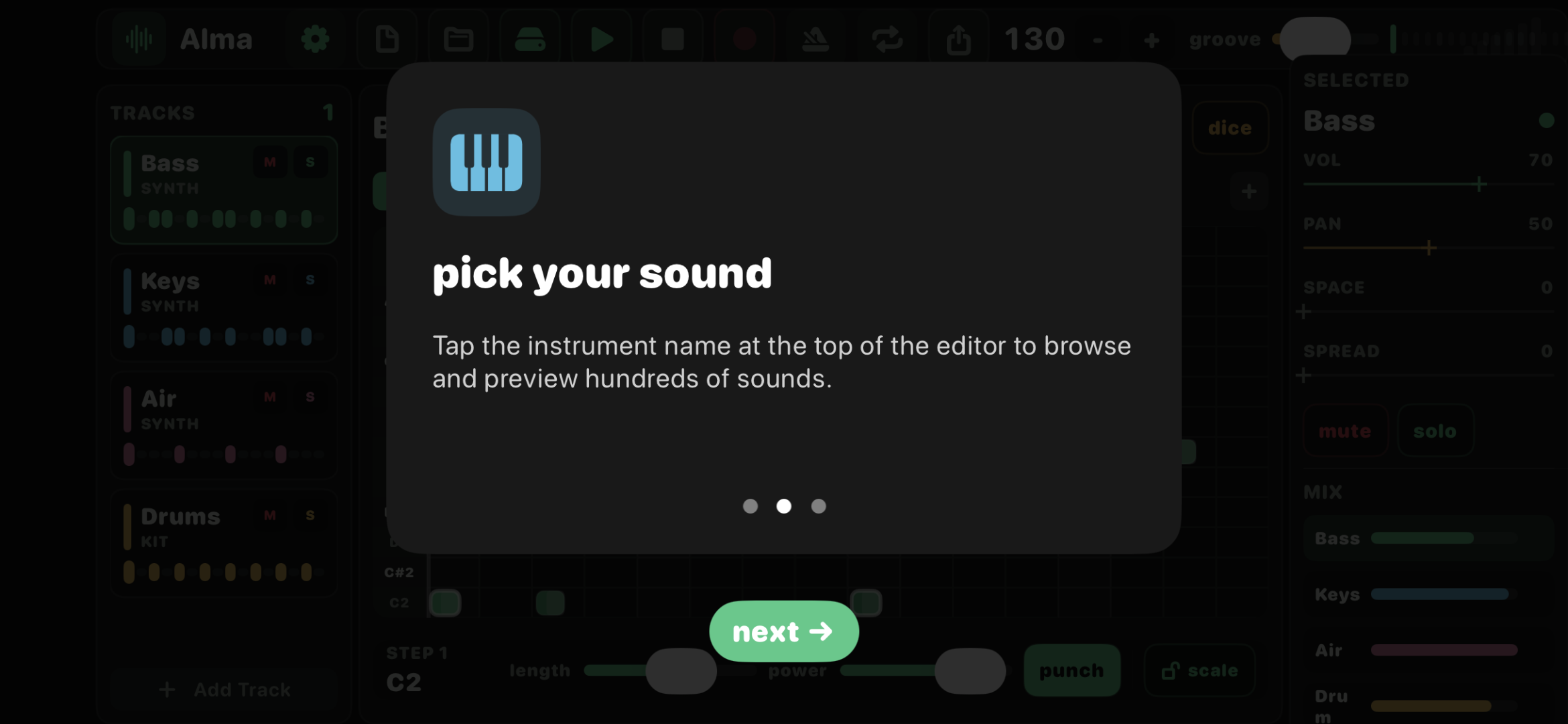
First-run screens introduce the core ideas in a few taps. You get to a working song in under a minute.
Portable by default
Songs save as .alma files. They open on every
other Alma app unchanged — mobile, desktop, even the
ESP32-S3 pocket tracker. Samples referenced in a song are
mirrored into a sibling SongName.samples
folder so nothing goes missing when a project moves.
Made for anyone
No DAW vocabulary required. Tap, hold, play — the patches are tuned to sound good on their own, the grid forgives mistakes, and every app in the ecosystem speaks the same file.